

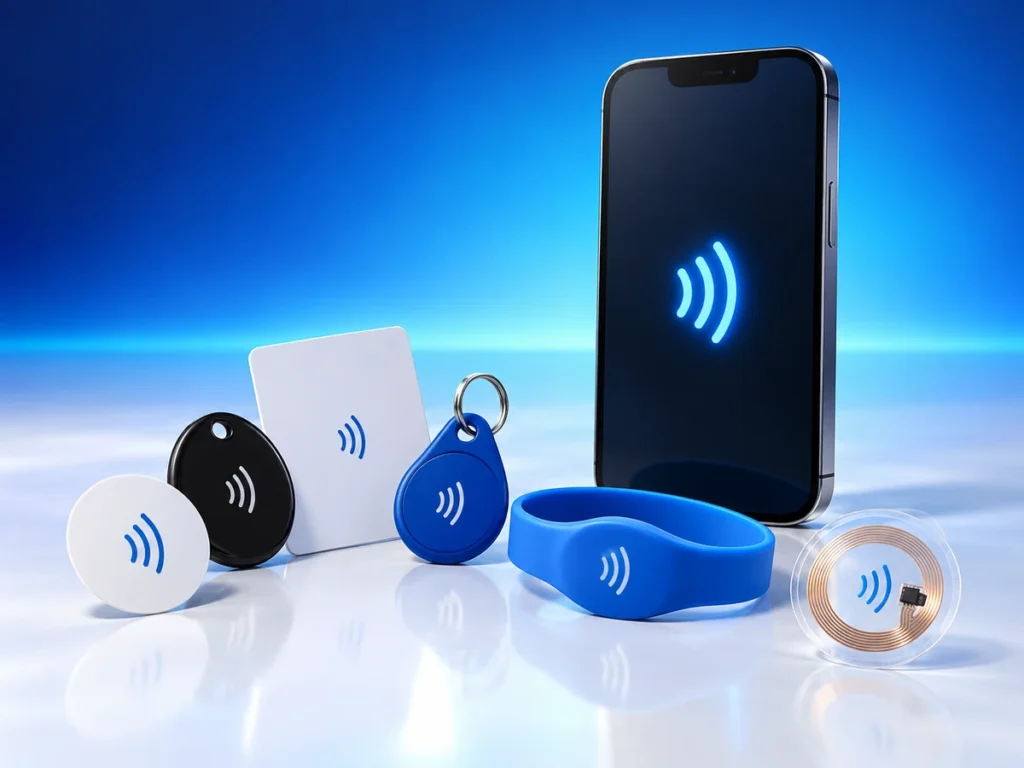
If your smartphone keeps showing NFC tags notifications repeatedly, you’re experiencing one of modern technology’s more puzzling interruptions. These alerts pop up when your device’s Near Field Communication sensor detects compatible tags nearby, even when you haven’t intentionally initiated any scanning action.
This persistent notification issue affects millions of smartphone users daily, particularly those carrying their devices alongside credit cards, key fobs, or other NFC-enabled items. Understanding why these alerts appear and how to control them can transform a frustrating experience into manageable technology use.
Understanding NFC Technology in Your Smartphone
Near Field Communication operates through electromagnetic induction between two devices within approximately 4 centimeters of each other. Your smartphone’s NFC chip constantly searches for compatible tags when the feature remains active, similar to how Bluetooth scans for available connections.
Modern smartphones integrate NFC capabilities for contactless payments, file transfers, and smart tag interactions. Samsung, Google, and Apple devices all incorporate this technology, though implementation varies across manufacturers. The scanning frequency and sensitivity settings differ between phone models, which explains why some users experience more frequent notifications than others.
The NFC Tags Detected message appears whenever your phone’s sensor identifies a compatible chip nearby. These chips exist in payment cards, transit passes, office key cards, and even some clothing labels. Your phone doesn’t distinguish between intentional and accidental detection, triggering notifications for any recognized tag within range.
Common Causes of Persistent NFC Notifications
Wallet and Pocket Interference
Credit and debit cards represent the most frequent culprits behind repeated NFC alerts. Most banking cards issued since 2019 contain contactless payment chips that your phone recognizes as valid NFC tags. When you store your phone and wallet together, every movement can trigger a new detection cycle.
Transit cards create similar issues, especially for commuters who keep their phone and travel pass in the same pocket or bag compartment. The problem intensifies with multiple NFC-enabled cards, as each one can generate separate detection events.
Environmental Triggers
Office environments often contain numerous NFC sources that trigger smartphone notifications. Security badges, printer authentication cards, and smart posters all broadcast NFC signals your phone might detect. Retail stores increasingly use NFC tags for inventory management and price displays, creating additional detection opportunities during shopping trips.
Some furniture and accessories now incorporate NFC chips for authentication or information purposes. Premium handbags, watches, and even shoes may contain these chips, leading to unexpected notifications when your phone comes near these items.
Security Implications and Concerns
While NFC notifications themselves pose minimal security risk, they can indicate your phone’s vulnerability to unwanted tag reading. Malicious actors could theoretically place harmful NFC tags in public spaces to redirect phones to phishing websites or trigger unwanted downloads.
Your phone’s operating system includes built-in protections against automatic actions from unknown tags. Android and iOS require user confirmation before processing NFC commands beyond simple detection. However, constant notifications might desensitize users to these warnings, potentially leading to accidental acceptance of malicious tag actions.
Financial security remains protected through multiple authentication layers. Even if someone could read your payment card’s NFC chip through your pocket, they cannot complete transactions without additional verification. Payment terminals require specific protocols and proximity that casual tag reading cannot replicate.
Managing NFC Settings on Different Devices
Android Configuration
Android offers granular control over NFC behavior through the Settings menu. Navigate to Connected Devices or Connections, depending on your Android version, then locate the NFC option. You can toggle the feature off entirely or adjust when it activates.
Samsung devices provide additional options through their SmartThings and Samsung Pay applications. Users can set NFC to activate only when specific apps open, reducing random detections while maintaining payment functionality. Some Android phones also allow you to rewrite rfid tag data using specialized apps, though this requires technical knowledge and compatible tags.
iOS Management
Apple restricts NFC usage more strictly than Android, limiting background tag reading to specific scenarios. iPhone users experience fewer random notifications but have less flexibility in customizing NFC behavior. The Control Center provides quick access to disable NFC-dependent features like Apple Pay without completely deactivating the chip.
iOS 14 and later versions introduced App Clips, which can launch from NFC tags. Users can manage these interactions through Settings > Screen Time > Content & Privacy Restrictions > Allowed Apps, though this doesn’t eliminate all NFC notifications.
Practical Solutions to Stop Unwanted Notifications
The simplest solution involves physically separating your phone from NFC sources. Use different pockets for your phone and wallet, or invest in RFID-blocking accessories that prevent signal transmission. These cases and wallets contain metallic mesh that creates a Faraday cage effect, blocking electromagnetic signals.
Creating NFC-free zones in your daily routine reduces notification frequency without disabling useful features. Designate specific locations for your phone when not in use, away from cards and tags. This approach maintains NFC functionality for intentional uses while minimizing accidental triggers.
For users who rarely need NFC features, disabling the service entirely eliminates all related notifications. You can quickly re-enable it when needed for specific tasks like mobile payments or tag programming. Many users find this toggle approach more practical than dealing with constant alerts.
Software solutions include notification management apps that can filter or delay NFC alerts. While these don’t prevent detection, they can consolidate multiple notifications or silence them during specific hours.
Frequently Asked Questions
Can NFC notifications drain my battery?
Constant NFC scanning and notifications do consume battery power, though the impact remains relatively minor on modern smartphones. Users report 2-5% additional battery drain when NFC stays active all day. Disabling NFC when unnecessary can extend battery life, particularly on older devices with degraded batteries.
Will turning off NFC affect my contactless payments?
Yes, disabling NFC prevents all contactless payment methods including Google Pay, Apple Pay, and Samsung Pay. However, you can quickly re-enable NFC before making payments. Some users develop a habit of toggling NFC on only when approaching payment terminals.
Can someone steal my information through NFC without my knowledge?
NFC’s extremely short range (typically under 4 centimeters) makes covert data theft difficult. Your phone also displays notifications when tags are detected, alerting you to any scanning attempts. Payment information remains encrypted and requires additional authentication beyond simple NFC reading.
Why do notifications appear even with NFC turned off?
Some phones maintain partial NFC functionality for system features even when the user-accessible toggle appears off. Check if specific apps have permission to override your NFC settings. Additionally, ensure you’re disabling NFC rather than just payment services.
Do all smartphones have NFC capabilities?
Most mid-range and flagship smartphones released after 2018 include NFC hardware. Budget devices sometimes omit this feature to reduce costs. Check your phone’s specifications or settings menu to confirm NFC availability.
Can NFC tags damage my phone?
Passive NFC tags cannot damage your phone’s hardware or software through normal interaction. They lack the power source necessary to generate harmful signals. However, tags could potentially direct your phone to malicious websites if you approve the connection, making cautious interaction important.
Conclusion
Managing persistent NFC notifications requires understanding both the technology and your specific usage patterns. While these alerts can prove annoying, they indicate your phone’s NFC system functions properly and remains ready for legitimate uses. The key lies in finding the right balance between convenience and notification management.
Whether you choose hardware solutions like RFID-blocking accessories, software adjustments through your phone’s settings, or simple behavioral changes in how you carry your devices, multiple paths exist to reduce unwanted NFC alerts. Consider your daily NFC needs and select the approach that maintains necessary functionality while eliminating disruption. As contactless technology becomes increasingly prevalent, mastering these management techniques ensures you control when and how your smartphone interacts with the NFC-enabled world around you.